Virtual tabletop

Maps, fog of war, walls, lighting, initiative and dice on your laptop, and a clean Party Display on the TV your players are looking at. Two screens, one table.
Free to start · one campaign · no card
 Scryer
? Tour
✎ Feedback
DDillon
Scryer
? Tour
✎ Feedback
DDillon
Most virtual tabletops assume everyone is at home behind their own laptop. Scryer assumes you are all in one room, looking at one TV.
You get the whole workshop: panels, wall tools, every token's hit points, the parts of the map nobody has walked into yet. The Party Display is a second window with none of it. No chrome, no menus, just the map. Drag it onto the TV, press fullscreen, and it stays in step with you.
If your TV is mounted portrait, rotate the display 90° and the map fills it properly instead of sitting in a letterboxed strip.
You see everything, and what they cannot. The dimmed parts are the bits your players have no light on. You read straight through it. They do not.
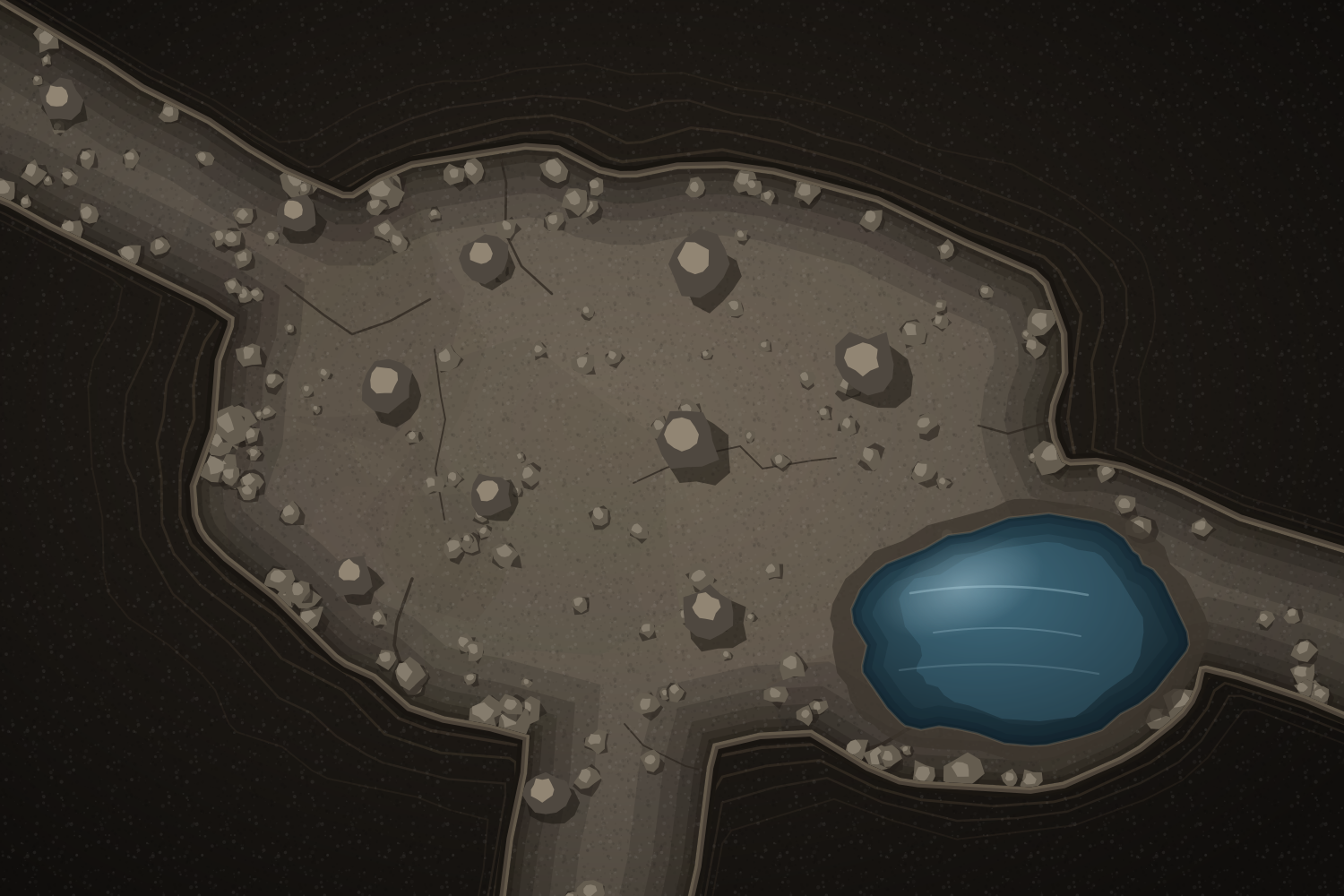
They see what their torches reach. The same moment, on the TV. The light stops where it stops, every standing rock cuts a wedge out of what is left, and two creatures are in the part it never got to.
Every virtual tabletop has fog and an initiative list. These are the parts that are actually ours.
One map, on three screens, each showing a different amount of the truth.
Hold Peek before you move the dragon, and you will know whether they can see it coming.
Everything you push to a screen that is not the map, and you choose who gets it: one player, a few of them, or the whole table.
The note only the rogue finds. The voice in someone's head.
Set the ambush where it will actually stand. Arm a layer, drop your tokens on the map, and they land hidden: not placed in the open first, and never sent to a player's screen until you say so.
Six goblins in the rafters, set during prep, arriving on the round you choose. Nothing in the turn order gives them away beforehand.
Reveal a room as the party walks into it. What they have revealed stays revealed, and dims when nobody has line of sight to it, so the map fills in the way the party's memory does. You always see straight through.
The corridor behind them stays on the map. Whatever walked into it does not.
An optional lock means a player can only move on their turn. When they need to move anyway they ask, and the request lands in front of you to allow or refuse without breaking the order.
No more quietly repositioning three squares while somebody else is deciding.
Draw walls once and line of sight follows them. Doors open and close, and the corridor beyond opens up the moment someone turns the handle.
Torches, lanterns and darkvision. Each creature sees by its own light, from where it is standing.
Order, round counter, and a banner telling a player it is their turn.
Coloured by what they are: enemies red, NPCs yellow, players green. Hit points and armour class edited in place, conditions on the ring, and a bulk builder for the night you need eleven goblins.
Lines, cones and radii that snap to the grid, so you can see exactly where a spell hits. Drag a token and it shows the distance as it goes.
Sheets your players keep themselves, tied to their token on the board, with an importer for characters on D&D Beyond.
Rolls everyone can see, and whispers only one person can. The roller is still reachable with the chat collapsed.
Ambience under the scene and a sting over it. Every campaign starts with a small library. Upload your own, or link one by URL, and play to your own headphones while you set something up.
Count down in rounds, or in game time. A spell that ends on its caster's turn reminds you on their turn, not four turns later.
Ctrl‑Z undoes your last move.
It runs in a browser. Nothing to install, for you or for your players.
A name and a PIN. That is the whole sign-up, with no email to verify before you can look at anything.
Pick a code your players will type in. Upload a map, or start from the ones already in the library.
Open the Party Display, drag it to the second screen, go fullscreen. Your players join with the code and you let them in.
Every feature is in the free plan. What you pay for is room to keep more than one campaign going.
Payment is handled by Stripe on their own checkout page. No card details ever reach this server.
A name and a PIN, the same as you. Then they type your campaign code and you approve them. No email, no download, and it works on a phone or a tablet if that is what they brought.
No. It works perfectly well with everyone at home, each on their own screen. But the Party Display is built for a table with one shared TV, and that is the case Scryer is best at.
Nothing is deleted. If you built three campaigns and your subscription lapses, all three are still there; you keep access to one of them. Pay again and the other two are exactly where you left them.
The map, fog, lighting and initiative tools do not care what you play. The character sheets and the D&D Beyond importer are built around fifth edition.
Yes. Upload an image or paste a URL, then set the grid by dragging one square or by telling it how many squares fit across. Every campaign also starts with a small library of maps, sounds and alerts so there is something to run on the first night.
Campaigns are only reachable by the people you have approved into them. Nothing is shared between campaigns, and nothing is public.
The free plan needs no card, and setting up a first map takes about ten minutes.


